
AI that builds, checks and explains your models
- Build a model from a description. Tell the AI what the business or process does, who does the work, where and when, and the information it uses. It asks about anything you left out, then writes the whole model: activities, roles, places, times, information and processes.
- Checked before it opens. W5 checks every model the AI writes against the W5 method before opening it, and the AI fixes what's wrong itself.
- Drawn and ready to use. Every diagram is drawn, laid out and numbered, as if you had built it by hand.
- Refine it by asking. Ask for changes in the same chat.
- Validate against the W5 method. Ask the AI to check a model, a process or a single rule, and it explains each finding and how to fix it. You stay in control: the AI never changes a model you have open.
- Ask questions about a model: who is Responsible, Accountable, Consulted and Informed; the full picture of an activity; where each kind of information is created, changed and used. Answers cite activity numbers and exact names.
Your AI, your choice
- A model on your own PC (Ollama or LM Studio, for example): your models never leave your PC, and there is no charge per question.
- Cloud AI with your own key from Anthropic (Claude), OpenAI, OpenRouter or your organisation's Azure OpenAI.
- Claude Desktop with a Claude subscription: Claude reads, checks and builds models with W5, with no separate key.
- Your data, your rules. With a cloud AI, share only models you are allowed to.
Reports: easier to set up, better documents
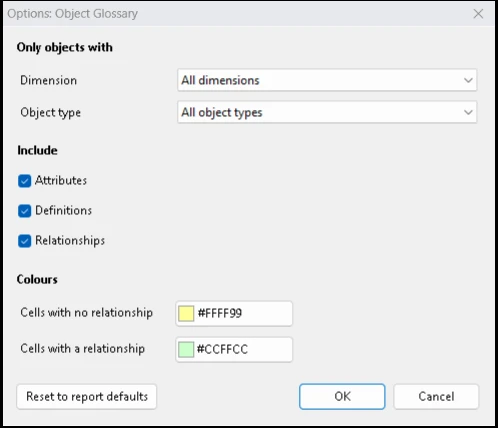
- Choose from your own model. Report options list what is actually in your model, in plain names, with the right control for each.
- No more empty reports by mistake. W5 asks for the choices a report needs.
- No Microsoft Office needed. W5 makes every report itself, as Word documents, Excel workbooks, PowerPoint training decks, web pages, and now PDF.
- Much faster. A workbook takes about a second, where it took 6 to 17.
- Complete, sharp diagrams, drawn at print quality.
- Training decks that are actually made, with every process, activity and responsible role.
A fresh look
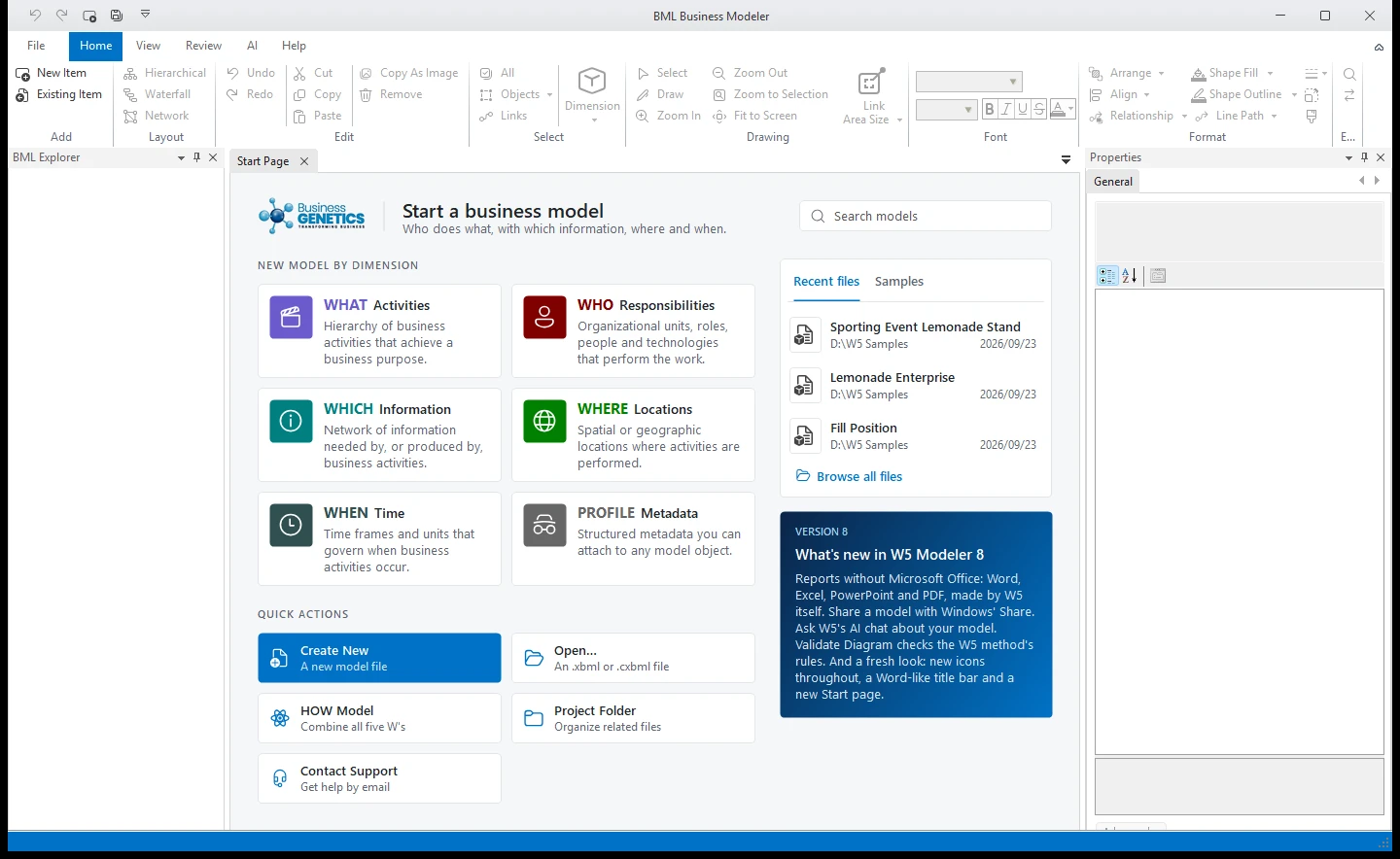
- An Office-style title bar and ribbon, Windows 11's rounded corners and snap layouts.
- New icons throughout, from the same family as Microsoft Office's.
- A new Start page: start a model from a card for each dimension, and open recent and sample models.
- A new W5 icon and splash screen.
Everyday improvements
- Save All, Share through Windows, Validate Diagram that checks the W5 method.
- One W5 at a time, and back after Windows restarts with your unsaved work.
- Twice as fast to start. The main window opens in about 2 seconds.
- Spell checking with Windows' own dictionaries, typing slips corrected as in Word, and copy as picture that pastes cleanly into today's apps.
Also fixed
A long list of problems, including several that could crash W5 or lose unsaved work. See the PDF.
Release notes (PDF)The full notes for W5 Modeler 8